Why the payment step is a trust test
Paying by mobile money means leaving the page, entering a PIN and waiting. Any hesitation, such as an unclear amount, an unfamiliar name or no confirmation, ends the sale. Good website and app development treats this step as a design problem, not a plug-in.
Patterns that remove doubt
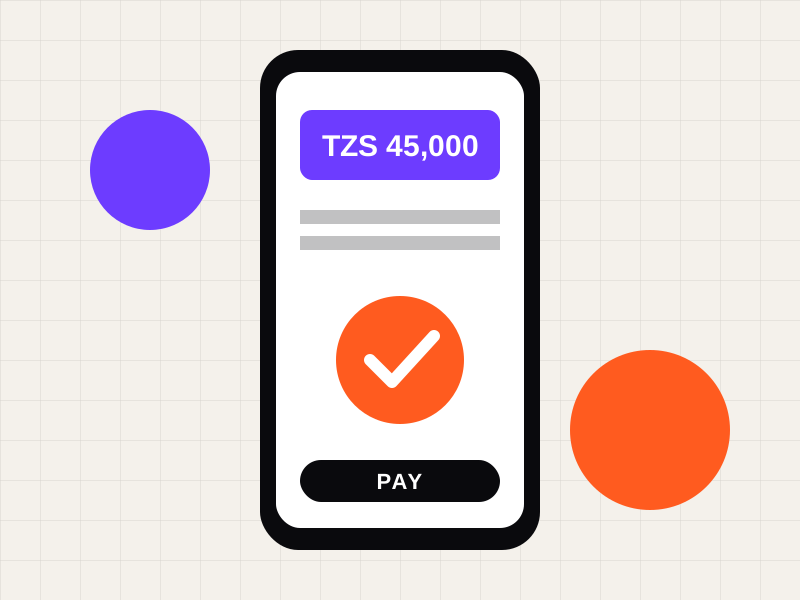
- Show the full amount in TZS or KES before the payment prompt appears.
- Name the payment method people recognise, with its own logo and a one-line instruction.
- Explain what happens next: “You will get a prompt on your phone. Enter your PIN.”
- Show a clear waiting state and a confirmation screen with a receipt.
- Offer a WhatsApp help link right on the payment step.
Design details that matter
Large tap targets, a single-column layout and phone-number inputs with the country code pre-filled cut errors on small screens. Consistent brand colours and a recognisable name build trust, which is where good graphic design pays for itself.
Test it like a customer
Run the full payment flow on a mid-range Android phone on a slow connection. Time each step. Watch where a real person hesitates and fix that screen first.
Quick answers
Which mobile money options should a Tanzanian store offer?
Offer the ones your customers already use. Check your own sales and ask customers before choosing.
Should checkout open WhatsApp instead?
For high-value or custom orders, a WhatsApp checkout can convert better. For standard products, an on-page flow is faster.